> For the complete documentation index, see [llms.txt](https://docs.udara360.io/llms.txt). Markdown versions of documentation pages are available by appending `.md` to page URLs; this page is available as [Markdown](https://docs.udara360.io/core-features/lms/end-beneficiary-mgt./failed-end-beneficiaries.md).
# Failed End Beneficiaries
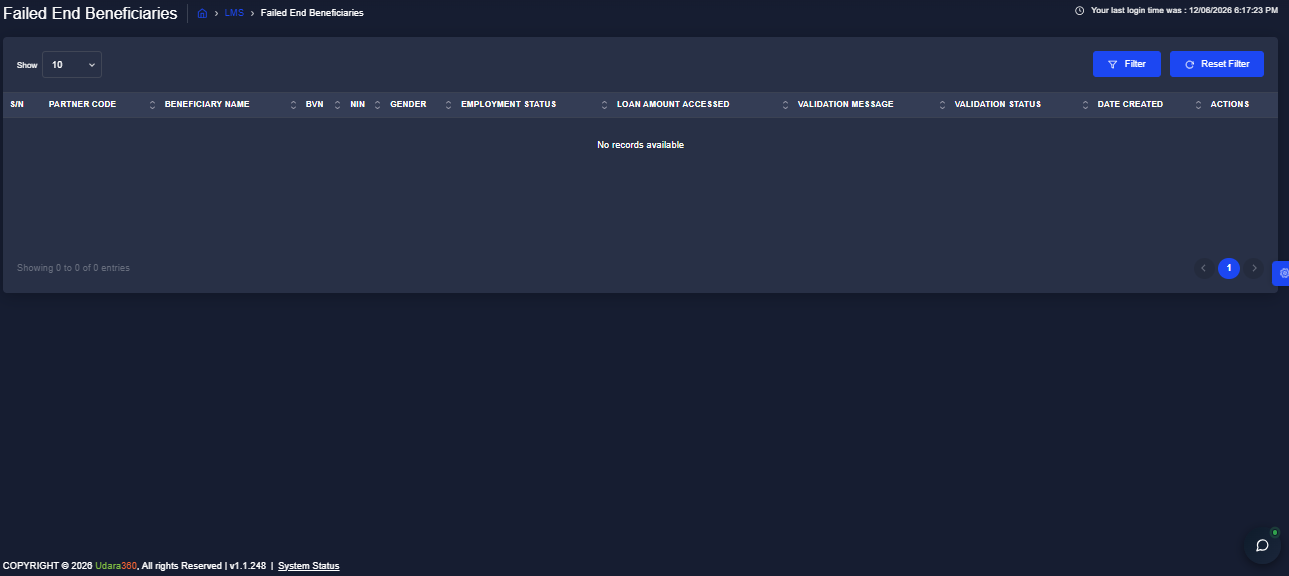
The Failed End Beneficiaries page gives you a view of all end beneficiary records that did not pass the validation process following a batch upload in Udara360. Use this page to identify the reason for each validation failure and take the necessary corrective action before re-uploading the affected records. This guide will walk you through accessing and filtering failed beneficiary records.
{% hint style="info" %}
This page displays records only when beneficiary records have failed validation. If no records are available, the table will show "No records available."
{% endhint %}
## Accessing Failed End Beneficiaries
1. Log into the application using your credentials.
2. From the dashboard, navigate to **LMS** in the side menu.
3. Expand **End Beneficiary Mgt.** and Select **Failed End Beneficiaries** from the dropdown list
## Filtering the Records
1. Click the Filter button at the top right of the page
2. Enter your preferred filter criteria
3. Click Apply to display the filtered results
> :pushpin:Click Reset Filter to clear all applied filters and return to the full list.